

Un coup d'œil à l'intérieur
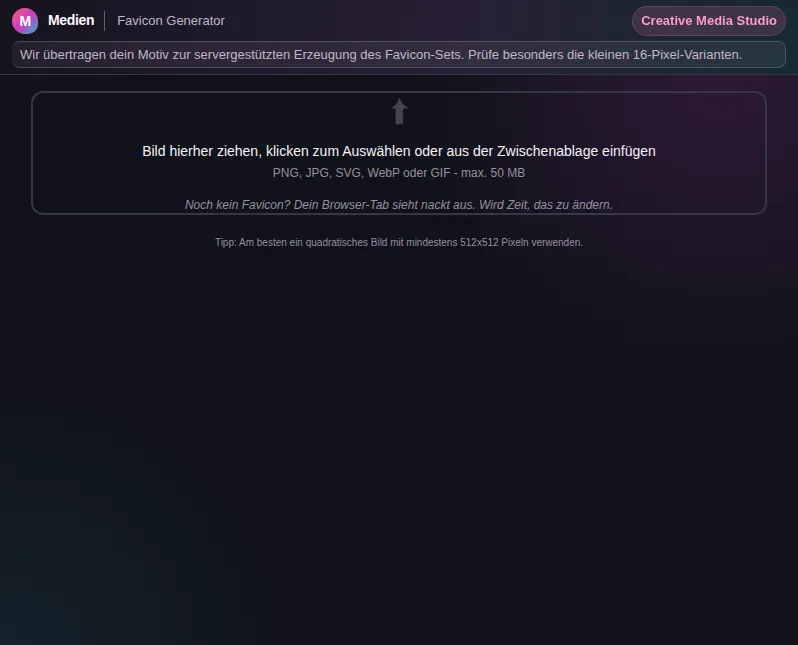
Cet aperçu sécurisé montre à quoi sert l'outil, sans exécuter d'actions liées à un compte.
Ce que sait faire Favicon Generator - Générateur de favicon
Once upon a time a single favicon.ico in the root directory was enough. Today every browser and operating system expects its own format: Safari wants an Apple Touch Icon at 180 pixels, Android Chrome would like 192 and 512 pixels for the home screen, Windows tiles want something else again, and an installable web app needs a manifest.json. The favicon generator tames that mess and produces everything at once from a single source.
You upload a square image - ideally a logo or a clear graphic - and get a complete set back. It includes the classic multi-size ICO for the tab bar, the Apple Touch Icon for the iPhone home screen, the Android Chrome variants at 192 and 512 pixels and smaller PNG sizes for older browsers. All calculated pixel-perfect so your icon stays sharp at every size.
Conversion runs on our server with a fast, high-quality image library. That matters, because a favicon lives and dies by clean edges. Cheap downscaling turns your logo into a blurry blob at 16 pixels. It scales down properly so even the smallest size stays recognisable.
So you never have to piece it together by hand, the tool also delivers the matching PWA manifest and a ready-made HTML snippet with all the link and meta tags. You paste the block into your page head, upload the files, and every platform finds its correct icon. No guessing which line is meant for which browser.
The whole thing is ideal for anything that deserves its own icon: the new landing page, the club project, the client site or your progressive web app. Instead of clicking through five different online tools and still forgetting a format, you get one well-thought-out complete package in a single pass.
Fonctions
Complete icon set
ICO, Apple Touch Icon, Android Chrome icons and PNG fallbacks - every size from one source.
PWA manifest included
A ready manifest.json with the correct icon entries for installable web apps.
Ready-to-paste HTML
All the link and meta tags in one block you paste straight into your page head.
Clean downscaling
High-quality server-side conversion so your icon stays sharp even at 16 pixels.
Pixel-perfect sizes
Every required size is calculated exactly - no wonky edges, no mush.
One image, one click
Upload a source, download the set. No clicking through five different tools.
Comment ça marche
- 1
Upload a source image
Use a square-ish logo or a clear graphic. The simpler the motif, the better the small sizes look.
- 2
Generate the set
The tool calculates every size and format server-side - ICO, Apple Touch, Android Chrome and PNGs.
- 3
Copy manifest and HTML
Take the supplied PWA manifest and the HTML snippet into your project.
- 4
Wire up the files
Upload the icons to your root directory and add the block to the head - ready for every platform.
Pour qui
Questions fréquentes
What size should the source image be?
Ideally at least 512 x 512 pixels and square. Every smaller size is downscaled cleanly from that large source. A simple, high-contrast motif works far better at 16 pixels than a detailed photo.
Why do I need so many different formats?
Because each platform has its own requirements: the tab bar needs ICO, iOS an Apple Touch Icon, Android the Chrome icons, installable web apps a manifest. The generator covers them all at once so your icon shows up correctly everywhere.
What is an Apple Touch Icon?
The icon that appears when someone adds your site to the iPhone or iPad home screen. It is usually 180 x 180 pixels and referenced by its own link tag, which the tool includes in the HTML snippet.
Can I make an icon for a PWA with this?
Yes. The generator produces the 192 and 512 icons Android Chrome expects plus a matching manifest.json. That lets your progressive web app install with the correct icon.
Is transparency preserved?
Yes. If your source is a PNG with a transparent background, it is preserved in the PNG-based icons. Your logo floats cleanly on the tab or home-screen background.
Why server-side instead of in the browser?
The conversion applies high-quality downsampling and packs the multiple sizes an ICO needs cleanly together. That gives sharper results than pure browser canvas scaling, especially at the very small sizes.
Outils similaires

SVG-Rasterizer - Rastériseur SVG
Wandle SVG-Vektorgrafiken serverseitig in PNG, JPG, WebP oder AVIF um. Mit DPI-Steuerung, Sta…

Bild-Konverter - Convertisseur d'images
Wandle Bilder zwischen JPG, PNG, WebP, AVIF, GIF und BMP um. Batch-Konvertierung mit Qualität…

Bild-Skalierung - Redimensionnement d'images
Ändere die Größe deiner Bilder nach Pixeln, Prozent oder DPI. Mit Presets, Stapelverarbeitung…

EXIF-Betrachter - Visionneuse de métadonnées EXIF
Zeige EXIF-, IPTC-, XMP- und ICC-Metadaten deiner Fotos an. GPS-Standort, Kameradaten, Datens…

QR-Code Generator - Générateur de codes QR
Erstelle QR-Codes für URLs, Texte, vCards und Wi-Fi-Zugänge. Als PNG oder SVG herunterladen.…
Prêt pour Favicon Generator - Générateur de favicon ?
Sans installation. Inclus à partir de Plus. S’ouvre directement dans le navigateur.
Ouvrir maintenant